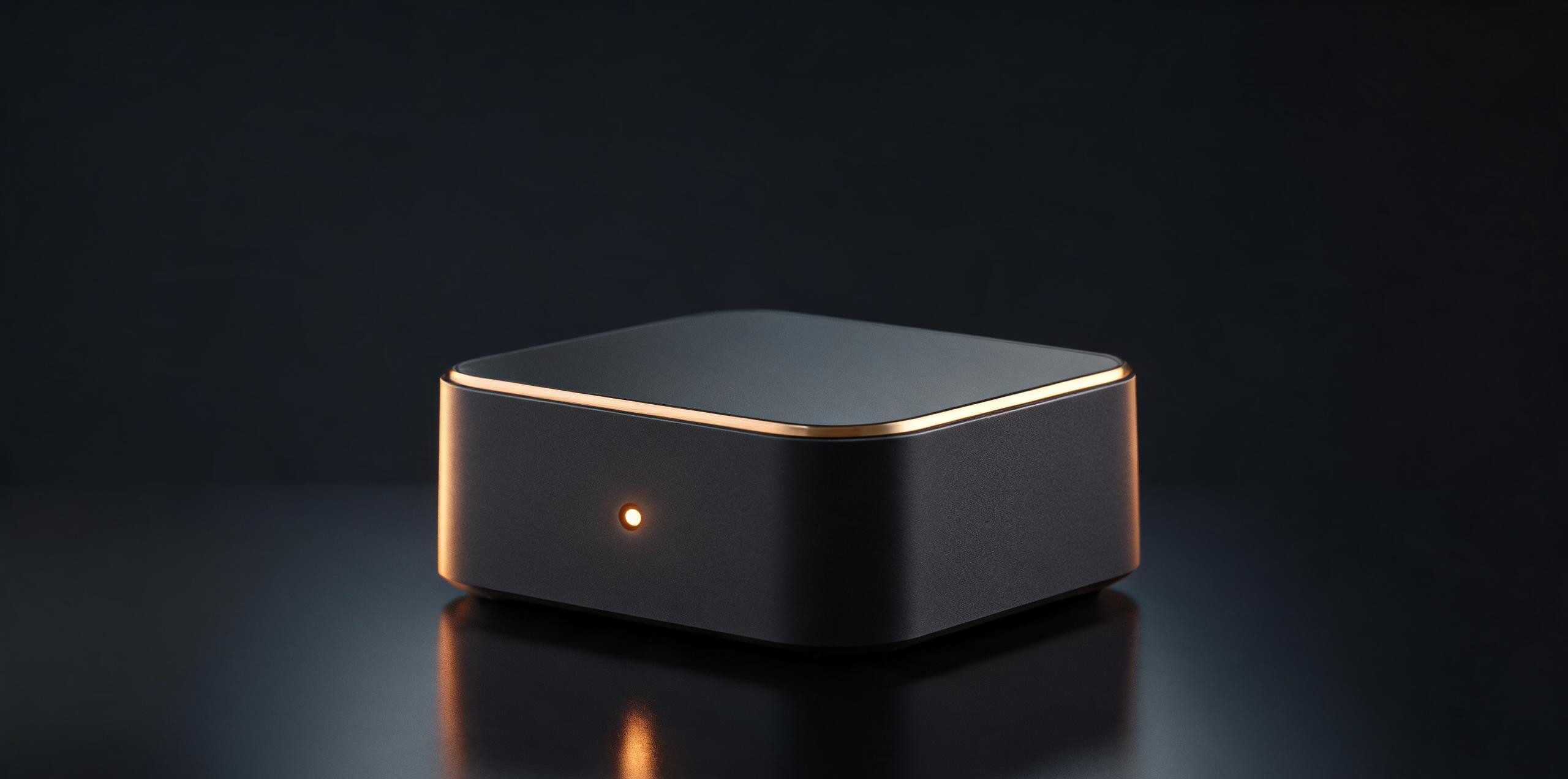
GPT Token Box
A private AI model gateway for small teams. One quiet box on your desk gives up to ten colleagues individually controlled access to the AI models you already use.
Your team’s AI access, in one place.
The GPT Token Box is a compact office appliance that brings your team’s AI usage under one roof. Plug it into your office network, add the upstream model accounts your company already pays for, and issue personal access keys to colleagues.
Everyone keeps using the same models in their everyday tools, while you keep a clear view of who has access, what they can use, and when that access should end.
One admin console
Add, rotate or revoke team access keys from a single browser-based console.
Bring your own model accounts
Connect the upstream AI providers your company already works with.
Individual access keys
Every colleague receives a personal key with their own usage limit.
Runs inside your office
The appliance stays on your network. No extra cloud account to manage.
From unboxing to first prompt in four steps.
A guided setup wizard walks the administrator through each step. No dedicated IT staff required.
Connect
Plug the box into power and your office network with the included adapter and Ethernet cable.
Configure
Open the admin console, create the administrator account and add your model accounts.
Issue keys
Create one access key per colleague and set a monthly usage limit for each person.
Get to work
The team points its everyday AI tools at the box and keeps working exactly as before.
One box between your team and the models.
A simplified view of how access, routing and usage control flow through the appliance.
Swipe to explore →
Standard edition stores no conversation content. Advanced edition adds retention and content controls for review.
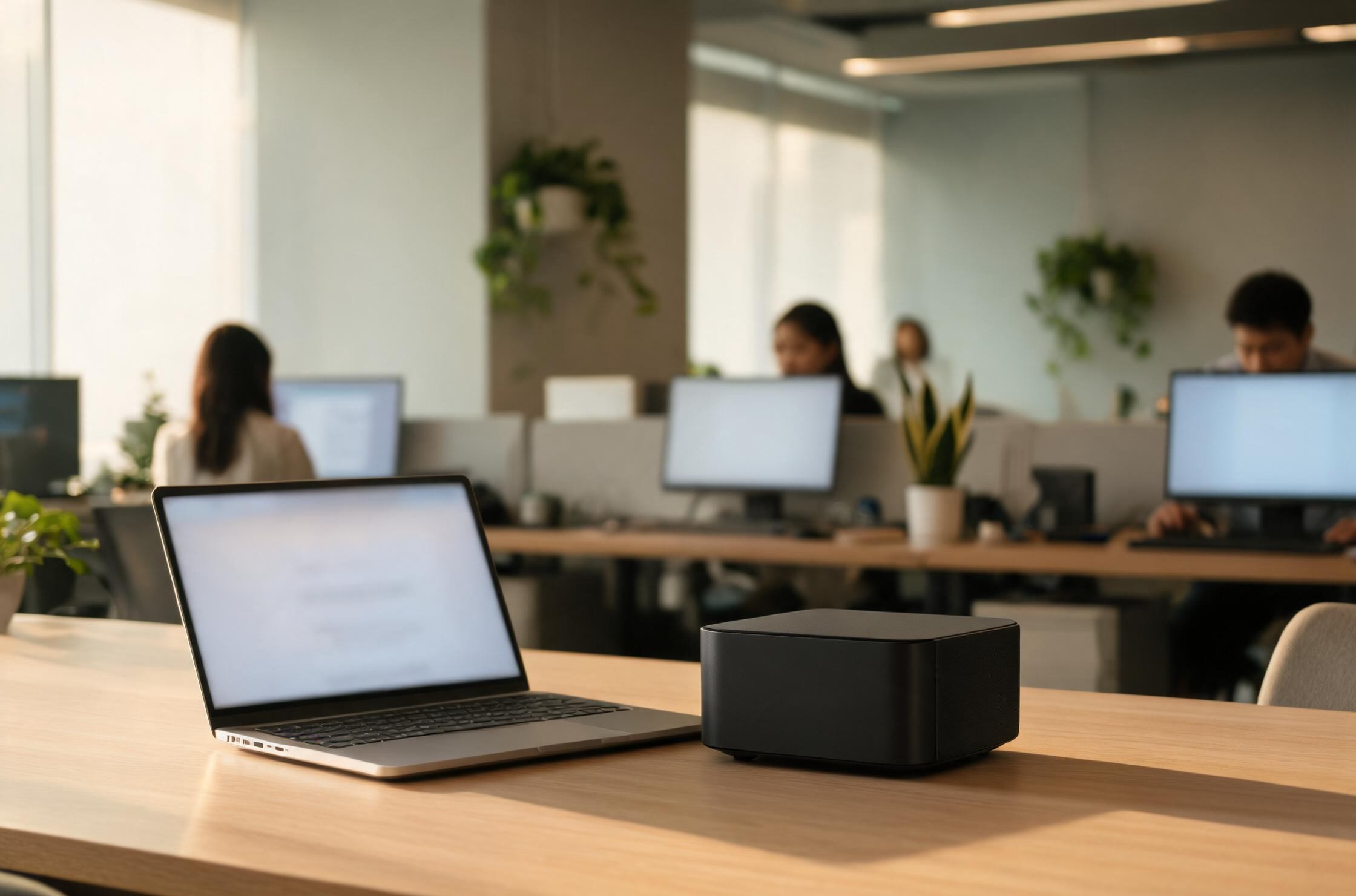
Built for the way small teams actually work.
- One administrator manages access for the whole team.
- Team members can use AI without a VPN.
- Only the administrator knows the company’s master API key; team members never need the master account, protecting company assets from disclosure.
- Administrators can easily track each member’s token usage, keeping departmental billing clear.
- Supports API keys from a wide range of Chinese and international AI models for broad compatibility.
- Staff changes are easy to handle: secondary API keys can be revoked or replaced at any time.
Two editions. One appliance.
Choose based on whether your team needs a record of past conversations.
For teams that simply need shared, controlled model access.
- Up to 5 team members
- Individual access keys and quotas for each team member
- Admin console with live status
- No conversation content stored
- Exportable usage reports
For teams that also need an audit trail and content controls.
- Up to 10 team members
- Everything in Standard
- Conversation retention for review
- Sensitive-word filtering
- Exportable usage reports
Both editions ship as a pre-installed appliance. You provide the office network connection and your own model accounts.
Small box. Clear numbers.
What’s in the box
GPT Token Box appliance · power adapter · Ethernet cable · quick start card
Common questions.
Do we need our own model accounts?
Yes. The box connects to the upstream model providers your company already uses. You keep your existing accounts and billing, and the appliance handles team access on top.
Is conversation content stored?
The Standard edition does not store conversation content. The Advanced edition keeps conversation records for review and adds sensitive-word filtering.
How many people can share one box?
One box comfortably serves up to ten team members. Larger teams can be supported with additional units under the same administrator.
Can we move it between offices?
Yes. The appliance is portable and keeps its configuration. Connect it to the new office network and it is ready to use again.
Ready to give your team a simpler AI setup?
Tell us how many colleagues you need to support and which models you already use. We will help you choose the right edition.